Put your business in. Publish it. Hand it out.
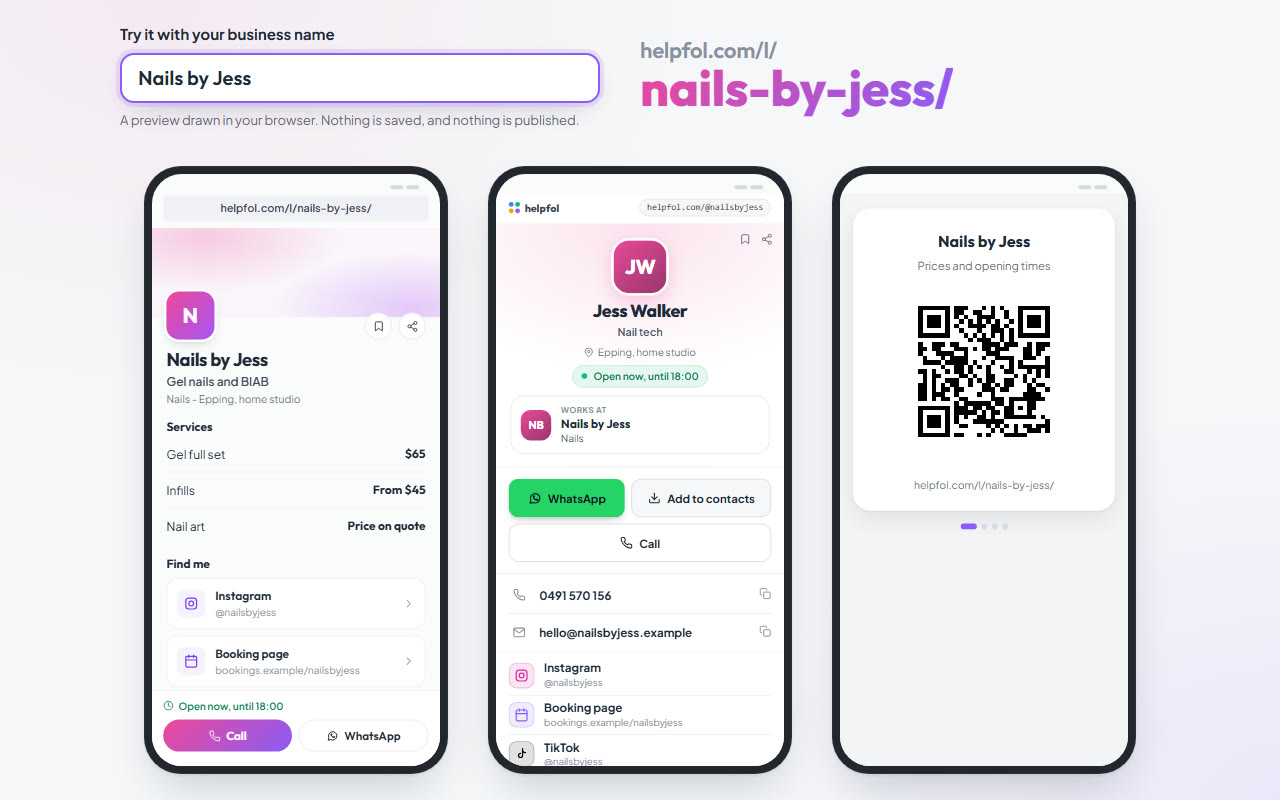
Three steps, free, done from a phone or a laptop. You end up with a ready-made website at an address with your name in it, a contact card, and your QR codes on your phone.
Sunday night, the same three questions.
"How much for a full set?" "Are you open Saturday?" "Where are you?" Every week, typed out again. Here is how those three answers become one link that shows what you last saved.
Put your business in
Five short questions on four cards first (whether you are an individual or a company is a switch in the name card): your business name, whether you are an individual or a company, your category, your specialty, and the city or suburb you work in. Your category decides which of Helpfol's lists by trade and area your site appears in once you publish. Your specialty is what your site prints beside your suburb.
Then as much as you have: your services and prices, a logo and a cover photo, how to reach you, a few lines about you. Every answer saves as you go, in this browser, until you make your account at the end. Anything past the first five can wait.
Nothing is public yet. You do not need an account to start. You make one at the end, with Google or a link sent to your email, and there is no password.
The screen says about three minutes for these.
Publish it
Your workspace opens with your details in it. Add your opening hours (switch Opening hours on in Add features first), look over your details in the workspace, then switch it from Draft to Published. It is public from that moment, at helpfol.com/l/your-business-name/, with a copy button beside the address.
Once it is published, it also appears in Helpfol's lists by trade and area, next to other businesses, as a link to your site. Nothing there scores you, and no spot is for sale.
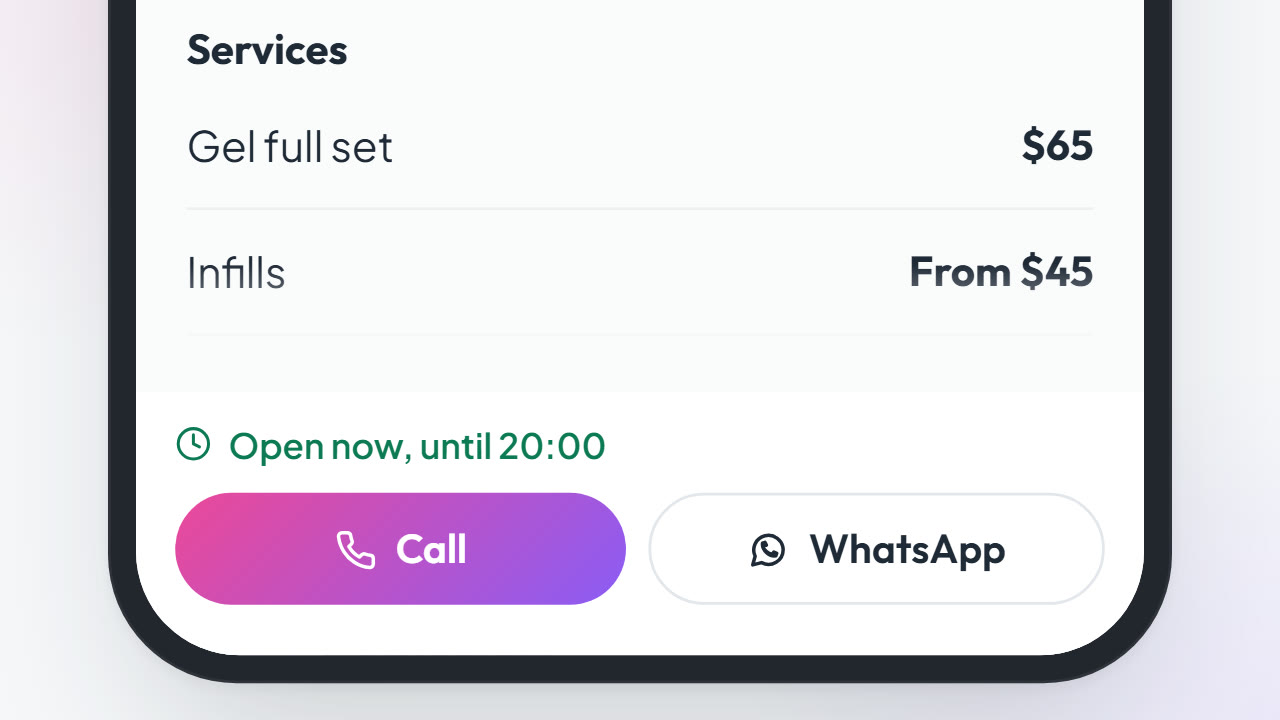
The message form is off until you switch it on. On a phone, the open-now line shows once your hours and your number are in. With no logo or photo yet, the logo spot shows your first letter and the cover is drawn in colour: Helpfol's blue and green until you pick your own in Brand and Design.
A minute or two for your hours. Publishing is one switch.
Hand it out
Paste the link into your bio. Send it in a text. Put it under your name in your emails. Make your card at helpfol.com/@your-name, and let people tap Add to contacts, which puts your name, your number and your card's address into their phone. Keep your QR codes on your phone and hold one up when someone asks for your details.
None of this brings people to you. You hand it out yourself, and whoever you hand it to sees the right number, the right price and today's hours.
helpfol.com/l/...In a textFrom the couch at 10 pm
helpfol.com/l/...In a textFrom the couch at 10 pm
Change it any time. Save it, and your site has it.
A price goes up or a day changes: open it, press Edit details, change it and press Save changes. A new number saves as you leave the box. Your site has it within seconds. Colours and layout choices save themselves.
Your own website, when you want one
A website designed for you from the same details, at your own domain name, with a business email at it, set up for you. It is not ready or priced yet, and you do not need it for steps 1 to 3.
It suits you if
- it is just you, or a few of you
- you are on the tools or with clients all day, and answer the same questions at night
- customers ask your prices and hours before they ring
- you work from home and would rather your street stayed off the internet
- you have been meaning to get a website and have not
It is not built for big companies or franchises, even one outlet.
Put your business in.
It asks for what you already know: your business name, what you do and where you work, then as much as you have of your services, prices and how to reach you. Your hours go in afterwards, in your workspace. Nothing goes public until you publish it. You can change every line afterwards, from your phone.
Free. No payment details, no trial.
It is new, and it is built here in Australia. Tell me what is missing and I will read it.